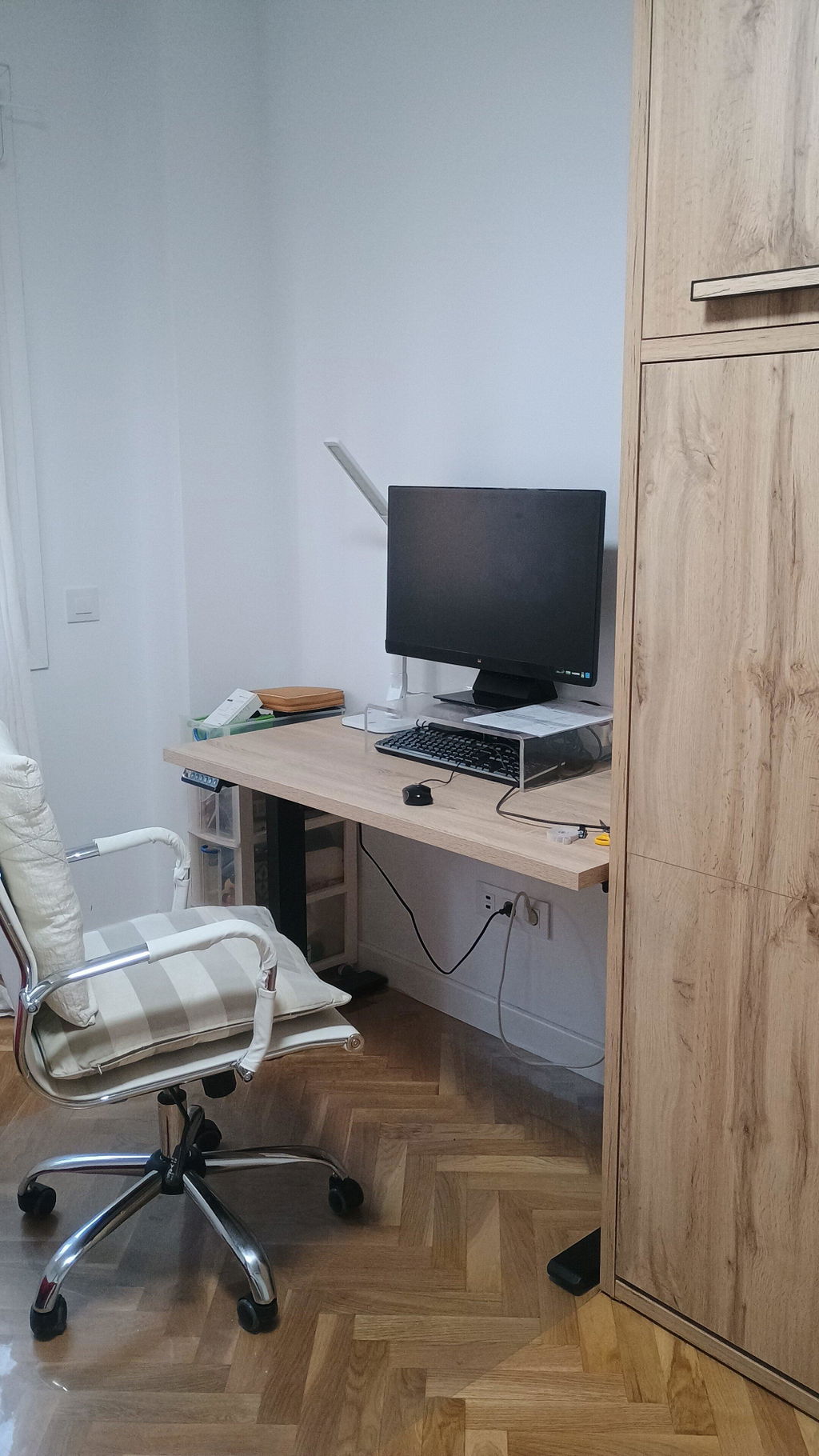

How to choose an ergonomic chair for 8 hours of work | Tablakala
Compartir
Spending eight hours in front of a computer doesn't just require a "comfortable" chair.
It requires a chair that you can adjust to your body, your desk, and your working style. A chair that allows you to subtly change your posture throughout the day and remains comfortable after several hours, not just for the first ten minutes.
Because that's where the difference lies.
Many chairs look ergonomic in a photograph. They have mesh backs, several levers, and a more or less sophisticated shape.
But true ergonomics isn't about appearance.
It's about adaptability.
What should an ergonomic chair for 8 hours of work have?
There isn't one single perfect chair for everyone.
Height, leg length, weight, shoulder width, the desk used, and habitual posture vary from one user to another. Therefore, organizations like the INSST recommend evaluating aspects such as height adjustment, backrest, lumbar support, seat depth, armrests, and base stability.
A good office chair should allow you to:
- Properly support your feet.
- Keep your shoulders relaxed.
- Position your arms at the correct height.
- Support your lower back.
- Change position throughout the day.
- Recline without losing stability.
- Work without excessive pressure behind your knees.
However, you don't necessarily need every adjustment available on the market.
You need the right adjustments for you.
1. Start with the actual use you'll give it
Using a chair for an hour to check emails is not the same as working in it all day.
For occasional use, a simple chair with adjustable height and a reasonably comfortable backrest may suffice.
For working six, eight, or more hours, it's advisable to pay more attention to:
- Lumbar support.
- Tilt mechanism.
- Seat quality.
- Armrest adjustment.
- Backrest breathability.
- Base stability.
- Ability to change posture.
A chair for eight hours of work should not force you to remain still in a single position.
In fact, even a theoretically correct posture can become uncomfortable if maintained without change for too long. The general recommendation is to make small adjustments, stand up periodically, and alternate positions throughout the day.
In other words: a good chair helps.
But you also need to move.
2. Check the seat height
Height adjustment is the starting point.
When you are seated, your feet should be able to rest stably on the floor. Your knees should be in a comfortable position, without the edge of the seat pressing against the back of your legs.
Your shoulders should remain relaxed, and your elbows should be approximately at the height of the keyboard and the work surface. If you have to raise your shoulders to reach the desk, something is poorly adjusted: the chair, the desk, or both.
That's why you should check two measurements before buying:
Minimum seat height
This is especially important for shorter people. If the chair doesn't lower enough, their feet may not be fully supported.
Maximum seat height
Important for tall people or for desks whose surface is higher.
A height-adjustable desk facilitates this adjustment because it allows you to adapt the work surface to the chair, rather than the other way around.
3. Don't ignore the seat depth
Depth determines how much space there is between the backrest and the front edge of the seat.
A seat that is too deep can press on the area behind the knees and make it difficult for the back to rest properly against the backrest.
One that is too short may offer little thigh support.
Ideally, the seat should support a good part of the legs without pressing on the back of the knees. OSHA also recommends that the depth be adaptable to the user and allow for proper use of the lumbar support.
In some chairs, the depth is fixed.
In others, it can be adjusted using a sliding system, moving the seat forward or backward.
This adjustment is particularly useful:
- For tall people.
- For users with long legs.
- For workstations shared by several people.
- For those seeking a more precise configuration.
Within the Tablakala range, the Pro chair includes adjustable seat depth.
4. Decide what kind of lumbar support you need
The lumbar area is one of the most important aspects of an office chair.
But there are different ways to offer support.
Backrest with lumbar curvature
The backrest's design itself creates a curvature that supports the lower back.
It's a simple and sufficient solution for many users.
Integrated lumbar support
The backrest incorporates a specific tension or shape to reinforce support, even if it doesn't have a separate adjustable piece.
Adjustable lumbar support
Allows you to modify the position of the support to bring it closer to the back or place it at a different height.
In the Tablakala range:
- Neo: ergonomic backrest, no independent lumbar support.
- Trinity: 2D padded lumbar support, adjustable in height and depth.
- Pro: integrated lumbar tension through backrest curvature.
- Focus: 2D padded lumbar support, adjustable in height and depth.
You shouldn't automatically choose the model with the most prominent support.
Poorly placed lumbar support can also be uncomfortable. The important thing is that the backrest supports your back without forcing you into an artificial posture.
5. Permanent contact mechanism or synchro mechanism
The mechanism determines how the backrest and seat behave when you move.
Permanent contact
The backrest remains free and follows your forward and backward movement.
Resistance can be adjusted according to the user's weight.
It's a comfortable solution for daily work because it allows you to vary your posture without the backrest remaining completely immobile.
The Tablakala Neo uses this system.
Synchro mechanism
The backrest and seat move in a coordinated manner.
When you lean back, the backrest covers a greater angle, and the seat slightly accompanies that movement. This allows you to recline while maintaining a more balanced position.
It is included in:
- Trinity, with four-position locking.
- Pro, with three-position locking.
- Focus, with four-position locking.
For long working hours, the synchro mechanism offers superior movement and adjustment capabilities.
That doesn't mean everyone needs it.
It means you have more options to adapt the chair's behavior.
6. 1D or 3D armrests
Armrests help relieve some of the weight from your arms and shoulders.
For them to fulfill this function, they must be at a height that allows your shoulders to remain relaxed. If they are too high, they will elevate your shoulders. If they are too low, they will offer little support.
1D Armrests
They adjust in height.
They are sufficient to adapt the armrests to desk height in most workstations.
They are included in:
- Neo.
- Trinity.
3D Armrests
They adjust in:
- Height.
- Depth.
- Angle or rotation.
They allow for more precise adaptation to the keyboard, mouse, desk, and each person's width.
They are included in:
- Pro.
- Focus.
3D armrests are especially useful if you frequently change positions, work with different devices, or want to precisely adjust the position of your elbows and wrists.
7. Do you need a headrest?
A headrest is not essential for a chair to be ergonomic.
During active work in front of the computer, many people barely rest their head.
However, it can be useful when:
- You recline to read.
- You make calls.
- You participate in meetings.
- You rest between tasks.
- You prefer cervical support.
The important thing is that it is adjustable and doesn't push your head forward.
Tablakala chairs with headrests are:
- Trinity: adjustable in height and inclination.
- Focus: adjustable in height and inclination.
Neo and Pro do not include headrests.
There's no universal answer here.
If you know you won't use it, there's no point in paying for it. If you like to recline and support your neck during certain times of the day, you'll probably appreciate it.
8. Mesh backrest or upholstered backrest
Mesh backrests have a clear advantage: ventilation.
They allow for better air circulation and reduce heat buildup, which is especially noticeable during long working days or in warm spaces.
All Tablakala models feature a breathable and resistant mesh backrest.
The seat, however, needs to provide support and properly distribute weight. That's why Tablakala models use flexible high-density foam and upholstery designed for daily work.
Don't choose a chair solely because the seat seems very soft.
Excessively soft foam can feel pleasant at first but lose consistency over time.
Real comfort is appreciated after several hours and months of use.
9. Check the base, wheels, and stability
An office chair must remain stable when you sit, move, or recline.
A five-star base provides a wide support surface and is one of the commonly recommended configurations for office chairs.
It is also advisable to check:
- The material of the base.
- The diameter of the wheels.
- The type of surface it will be used on.
- The recommended weight range.
- The quality of the gas lift.
- Applicable safety regulations.
All Tablakala models use a five-star base, are recommended for users between 45 and 120 kg, and comply with UNE EN-1335 regulations regarding dimensions, safety, stability, strength, and durability. The Focus adds a polished aluminum base, while Neo, Trinity, and Pro use reinforced nylon bases.
10. The chair must fit your desk
You can have an excellent chair and still work incorrectly if the desk is too high or too low.
The correct order is:
- Adjust the chair height.
- Rest your feet correctly.
- Adjust backrest, armrests, and lumbar support.
- Adapt the desk height.
- Place keyboard, mouse, and monitor.
The keyboard and mouse should be close, allowing you to work with your elbows close to your body, shoulders relaxed, and wrists in a natural position.
This is one of the advantages of combining an ergonomic chair with a standing desk.
You can adapt the desk to your sitting posture and then raise it to work standing for certain periods.
It's not about choosing between sitting or standing.
It's about not staying in the same position.
Which Tablakala ergonomic chair to choose?
The Tablakala range is organized simply: as you progress through the models, the adjustability increases.
| Model | Suitable for | Main adjustments |
|---|---|---|
| Neo | Daily work and those looking for a comfortable, simple, and well-balanced chair | 1D armrests, permanent contact, mesh backrest |
| Trinity | Those who want more lumbar support and a headrest | 2D lumbar support, headrest, 1D armrests, and synchro mechanism |
| Pro | Those looking for a white design for a bright office and who particularly value 3D armrests and the ability to adjust seat depth | 3D armrests, synchro mechanism, integrated lumbar support, and trasla system |
| Focus | Long working hours and users who want maximum adjustability | 2D lumbar support, headrest, 3D armrests, synchro, and aluminum base |
The characteristics and differences between the four models can be found in the Tablakala ergonomic chair collection.
Choose the Neo if…
You want a comfortable chair for daily work, don't need a headrest or independent lumbar support, and prefer a simple, solid, and adjustable option.
It's available in black or white.
Choose the Trinity if…
You want a headrest, adjustable lumbar support, and a synchro mechanism, but don't need 3D armrests.
It's a very balanced option for working days of up to eight hours.
Choose the Pro if…
You're looking for a white and gray chair for a bright office and particularly value 3D armrests and the ability to adjust seat depth.
It doesn't have a headrest, but offers very high adaptability.
Choose the Focus if…
You want the most complete chair in the range.
It includes a headrest, 2D lumbar support, 3D armrests, a synchro mechanism with four positions, and a polished aluminum base.
It's designed for working days of eight hours or more.
Common mistakes when buying an ergonomic chair
Choosing solely by the photograph
A chair can look spectacular and offer very few adjustments.
Look at the mechanisms, measurements, and materials.
Thinking that more adjustments always mean a better purchase
More adjustments offer more possibilities, but they are only valuable if you are going to use them.
Buying well doesn't mean automatically buying the most expensive model.
It means choosing the right model.
Not checking the seat height
Especially important if you are a tall or short person.
Always check the adjustment range.
Not adjusting the chair after assembling it
An unadjusted ergonomic chair is simply a chair.
Take a few minutes to find your height, tension, recline, and lumbar support.
Expecting the chair to solve everything
A good chair can help you work more comfortably.
But it doesn't replace movement, breaks, or a correct workstation setup.
If you have persistent discomfort or a diagnosed injury, it is advisable to consult a healthcare professional.
In summary
To choose an ergonomic chair for an eight-hour workday, focus on what really matters:
- Adjustable height.
- Adequate depth.
- Lumbar support.
- Tilt mechanism.
- Armrest adjustment.
- Seat quality.
- Breathable backrest.
- Stable base.
- Compatibility with your desk.
- Ability to adapt to your body.
Don't buy a chair because it looks ergonomic.
Look at its adjustments. Look at its materials. Look at how it adapts to you.
Because a good chair is not a decorative object.
It's a work tool.